 -10%
-10% 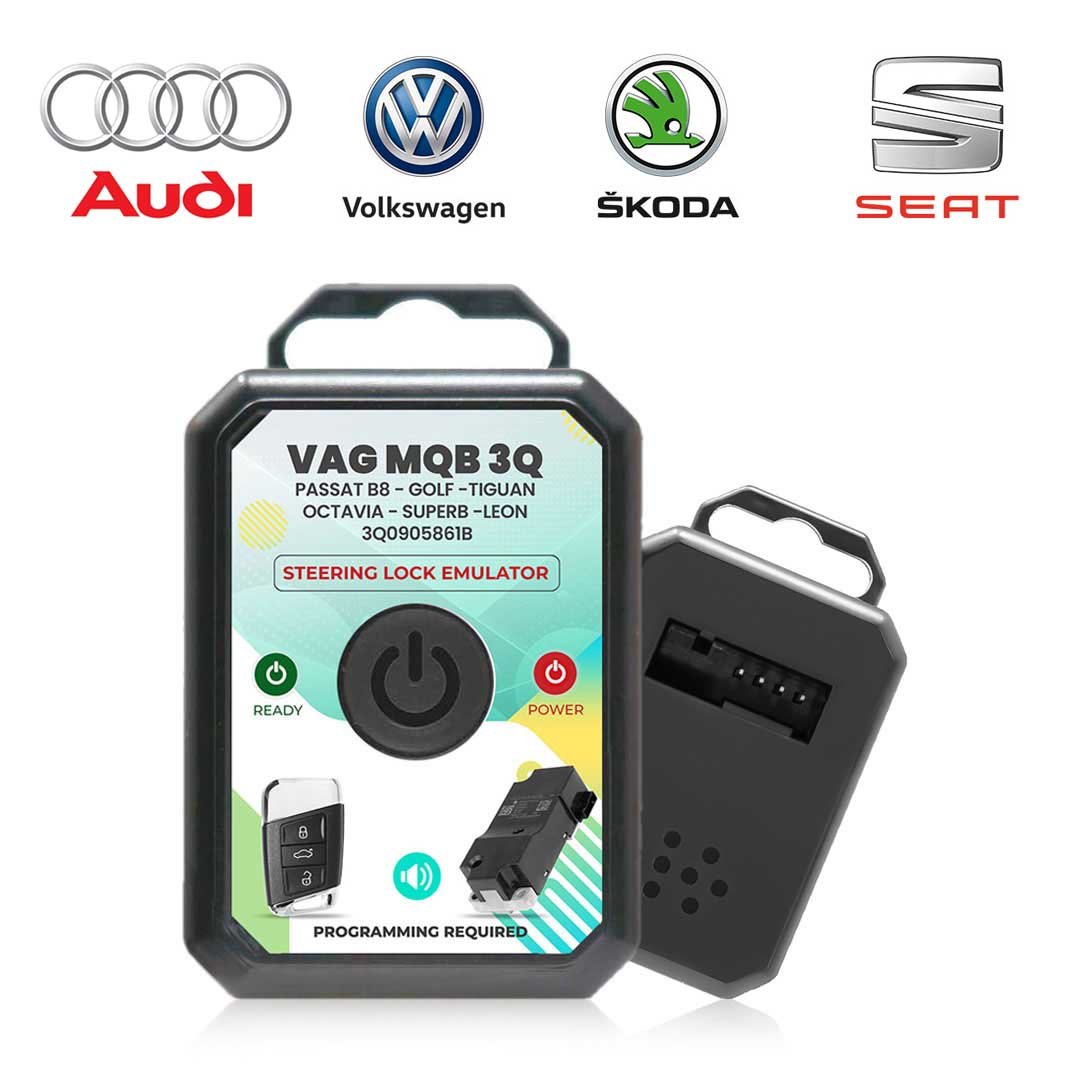
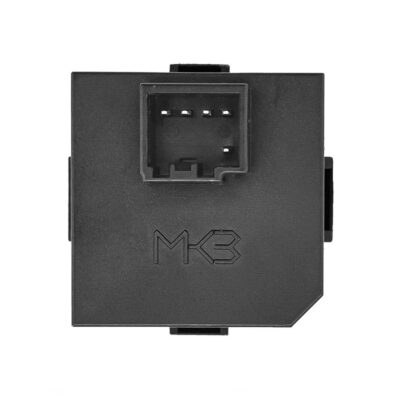
VAG MQB 3Q Volkswagen Passat B8 Skoda Octavia Seat Steering Lock Emulator
Original price was: €30.10.€27.09Current price is: €27.09.
You save €3.01 - Compatible part no.
- 3Q0905861B
- Worldwide shippingTracked delivery on every order
- Secure paymentCard, PayPal and bank transfer
- Need help?Ask our technical team
Category:
Emulator
VAG MQB 3Q Volkswagen Passat B8 Skoda Octavia Seat Steering Lock Emulator Programming Required With Lock Sound
Product Description:
New VAG MQB 3Q Volkswagen VW Passat B8 – Golf – Tiguan Skoda Octavia – Superb – Seat Leon Steering Lock Emulator High Quality Best Price
Emulator. Product number: TU20000
This Weight Product: 40g
VAG MQB 3Q VW Steering Lock Emulator Specs:
Manufacturer: Aftermarket
Condition: New
Compatible Part Number: 3Q0905861B
Important Note:
For certain steering locks, data cannot be read using VVDI Prog or similar devices. In such cases, we require immo data and syncro files (the same needed for key programming). Once provided, we will write these files to the emulator to proceed with the service.
VAG MQB 3Q VW Steering Lock Emulator Fitments:
- Volkswagen Passat 2015-2020
- Volkswagen Golf
- Volkswagen Tiguan
- Volkswagen ARTEON
- Volkswagen TIGUAN ALLSPACE
- Skoda Octavia
- Skoda Superb
- Skoda KAROQ
- Seat Leon
- Seat ATECA
- Seat TARRACO
- Audi A3
- Audi Q2
VAG MQB 3Q VW Steering Lock Emulator Step-by-Step Instructions:
- Remove the Steering Lock: Begin by carefully removing the steering lock from the vehicle.
- Read Steering Lock Data: Use a VVDI PROG or any compatible device that supports reading the ELV (Electronic Steering Lock) to extract the steering lock data.
- Process the Data: Open the extracted file using the MK3 Programmer application (software only, no physical device required). Save the file, then write the new file to the emulator (Eeprom 24LC256).
- Install the Emulator: Plug in the emulator. The green and red lights will blink together for approximately 15 seconds until only the red light remains. Once the red light is steady, the system is ready, and you can start the car.


| Compatible Part Number | 3Q0905861B |
|---|---|
| Condition | New |
Orders are shipped worldwide with tracking. Processing usually takes 1-3 business days after payment.
If an item arrives damaged or does not match your order, contact us within 14 days. See our returns policy for details.
You may also need
-10%
 -10%
 -10%
 -10%
 -21%
 -10%